MARREK + KeyCRM: an AI Consultant That Brings Warm Leads into Your Online Store Funnel
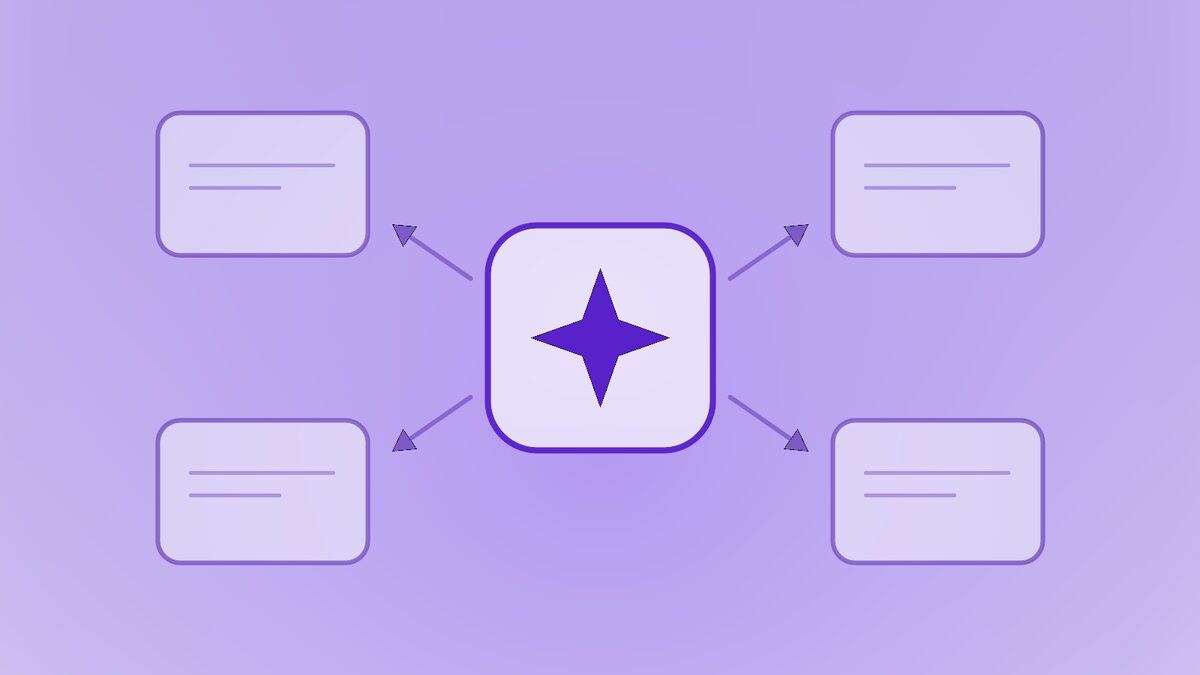
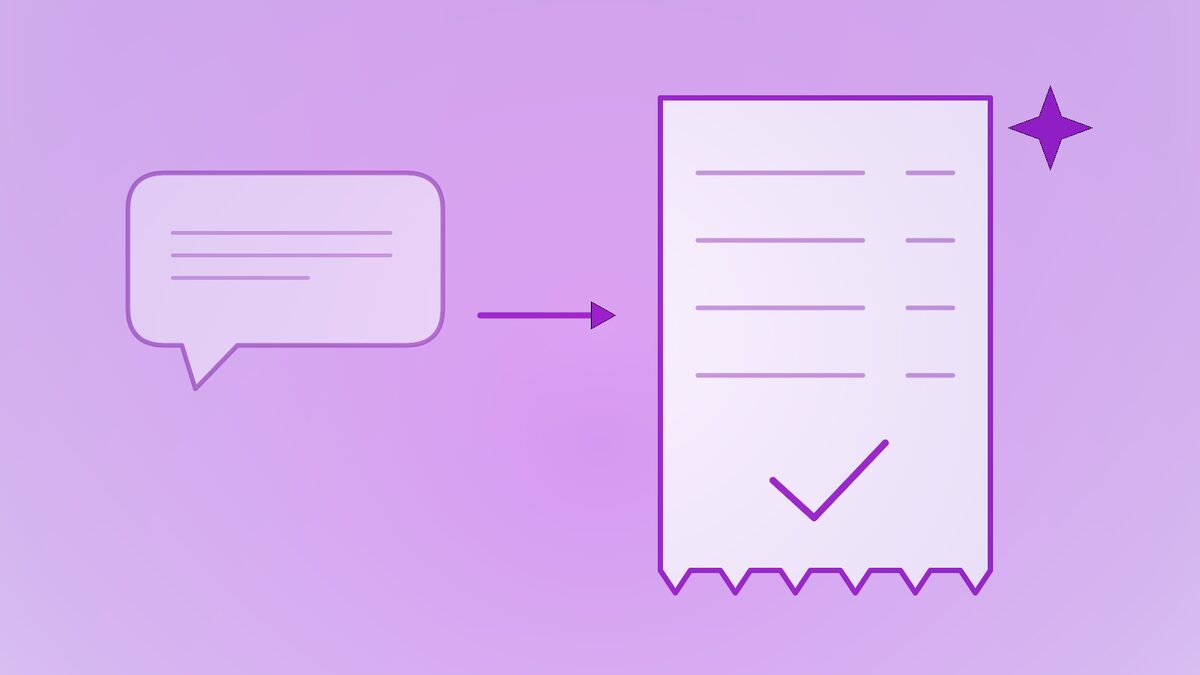
How MARREK connects to KeyCRM: the AI consultant answers customers in Instagram, Telegram and on your site, then creates a pipeline card with the buyer, products and dialog summary.
KeyCRM is a popular CRM for online stores: orders from marketplaces, social media and the website come together in one funnel. MARREK adds an AI consultant in front of it — one that answers customers, recommends products and qualifies buyers 24/7. The integration connects the two: the AI does the conversation, KeyCRM receives a ready lead.
Why an online store needs an AI consultant in front of KeyCRM
Most messages an online store gets are the same dozen questions: is it in stock, what size, how much is delivery, can I pay on receipt. A manager answering them by hand is expensive and slow, and customers who wait more than a few minutes in Instagram Direct simply move on to the next store.
- Instant answers at any hour. The AI auto reply responds in seconds, using your catalogue and store policies.
- Only qualified leads in the funnel. KeyCRM receives customers who have already chosen a product and shown intent — not every “hi” and “how much?”.
- Context on the card. Managers see what the customer wanted and continue from there instead of starting over.
- More sales from the same traffic. Night, weekend and peak-hour messages no longer go unanswered.
What MARREK creates in KeyCRM
When the AI consultant marks a customer as ready to buy, MARREK does two things in KeyCRM:
- Finds or creates the buyer. The buyer is looked up by phone number; if they already exist, their details are updated rather than duplicated.
- Creates a card in your pipeline (a “lead” in KeyCRM terms) in the pipeline and status you selected, with the products the customer was interested in and the conversation context in the manager comment.
Later updates from the same conversation refresh the same card. One dialog — one card, no matter how many times the customer writes back.
How to connect KeyCRM to MARREK
- In KeyCRM open Settings → Public API and create an API key.
- In MARREK open Channels → CRM, choose KeyCRM and paste the key. No domain is needed — KeyCRM uses one address for all accounts.
- Choose the pipeline and status for new cards.
- Optionally create custom fields in KeyCRM (Settings → Custom fields, entity “Lead”, type “Text”) for the channel, dialog link and summary, then map them in MARREK. Unmapped data goes into the comment.
- Choose when to send leads and send a test lead to check the card.
An example from a real conversation
A customer writes to your store’s Instagram at 23:40: “Do you have these sneakers in size 42? How long is delivery to Lviv?” The AI consultant checks the catalogue, confirms the size, explains delivery options and asks for a name and phone number to place the order. The customer agrees.
Within seconds a card appears in KeyCRM: the buyer with name and phone, the sneakers on the card, and a comment with the summary — “size 42, delivery to Lviv by Nova Poshta, ready to pay on receipt” — plus the channel and a link to the dialog. In the morning a manager simply confirms the order.
Frequently asked questions
KeyCRM already connects to Instagram. Why do I need MARREK?
KeyCRM collects and organises messages; MARREK answers them. The AI consultant replies instantly, recommends products and qualifies the customer, and sends KeyCRM a warm lead with context instead of a raw chat.
Does MARREK create orders in KeyCRM?
MARREK creates a funnel card with the buyer and products. Turning it into an order with delivery and payment details stays with your manager, as part of your usual process.
What happens if the same buyer writes again later?
The buyer is matched by phone number and their existing record is updated. Within one conversation the same card is refreshed, so no duplicates appear.
The takeaway
KeyCRM keeps your store organised; MARREK makes sure every customer who writes gets an answer and, if they are ready to buy, a card in your funnel. See how KeyCRM compares with the other options in the CRM integration overview, or read about the Sitniks integration for Instagram-first stores.